After downloading Anycount 4D from out site and installing it, the new user will see the following screen on first start up.
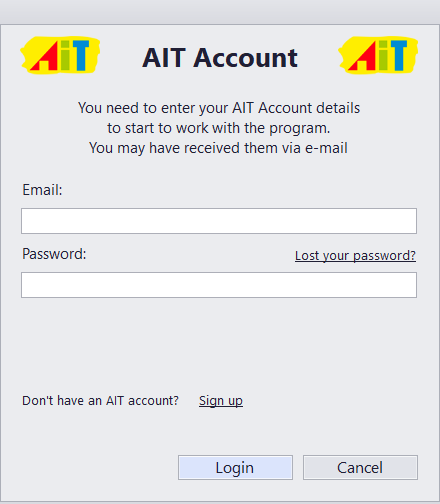
To start your 30-day trial, please enter the e-mail and password associated with your AIT account. If you do not have an AIT account, please click Sign Up and enter your registration information.
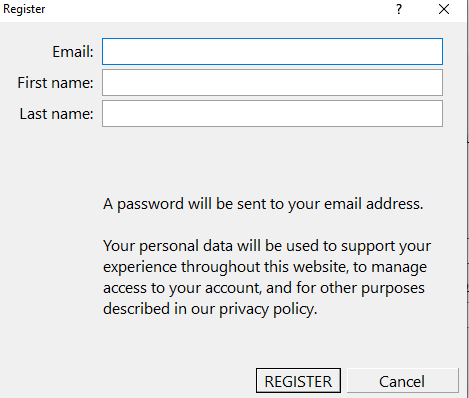
Once that is done, please enter the e-mail and password into the Anycount 4D dialog window and click Login. You will be prompted to restart the program. Once the program launches again, your 30-day trial will begin.
If you already have an active license, you will be prompted to select and activate it.